Wolfbook
Mathematica-style Wolfram Language notebooks in VS Code — with a live kernel, rich mathematical output, AI-agent access, and WPaper for writing your papers in LaTeX.
Wolfbook
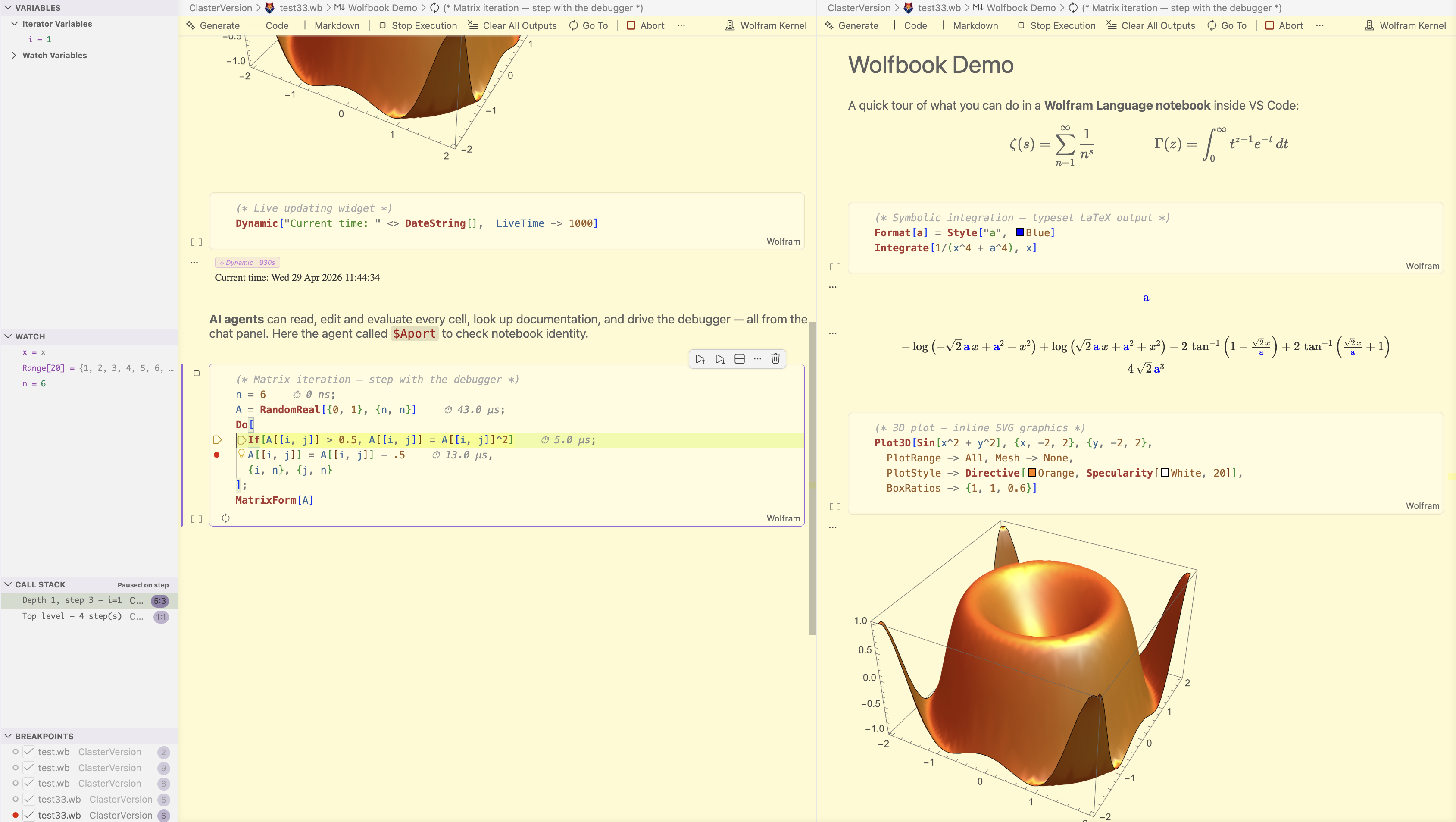
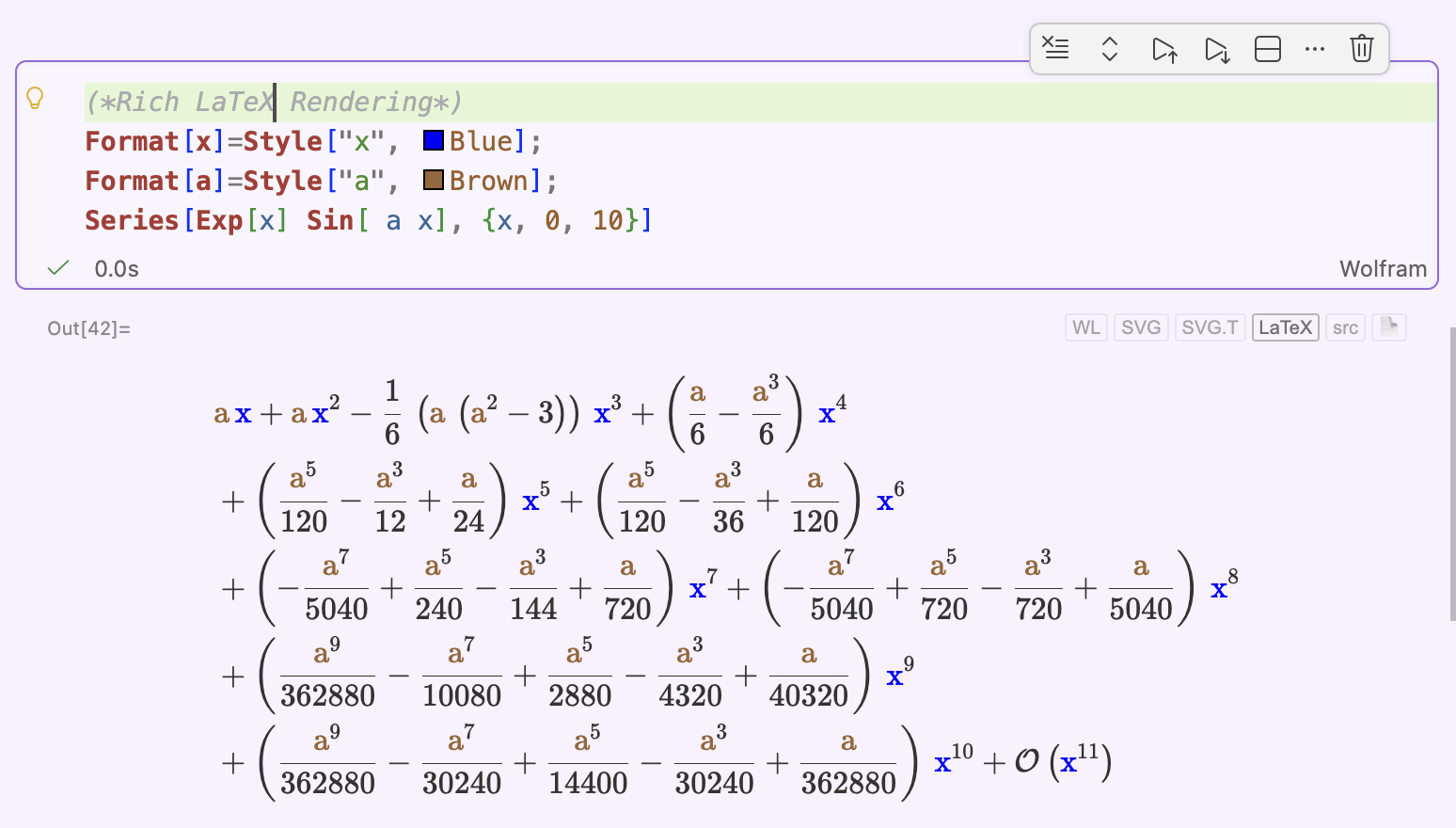
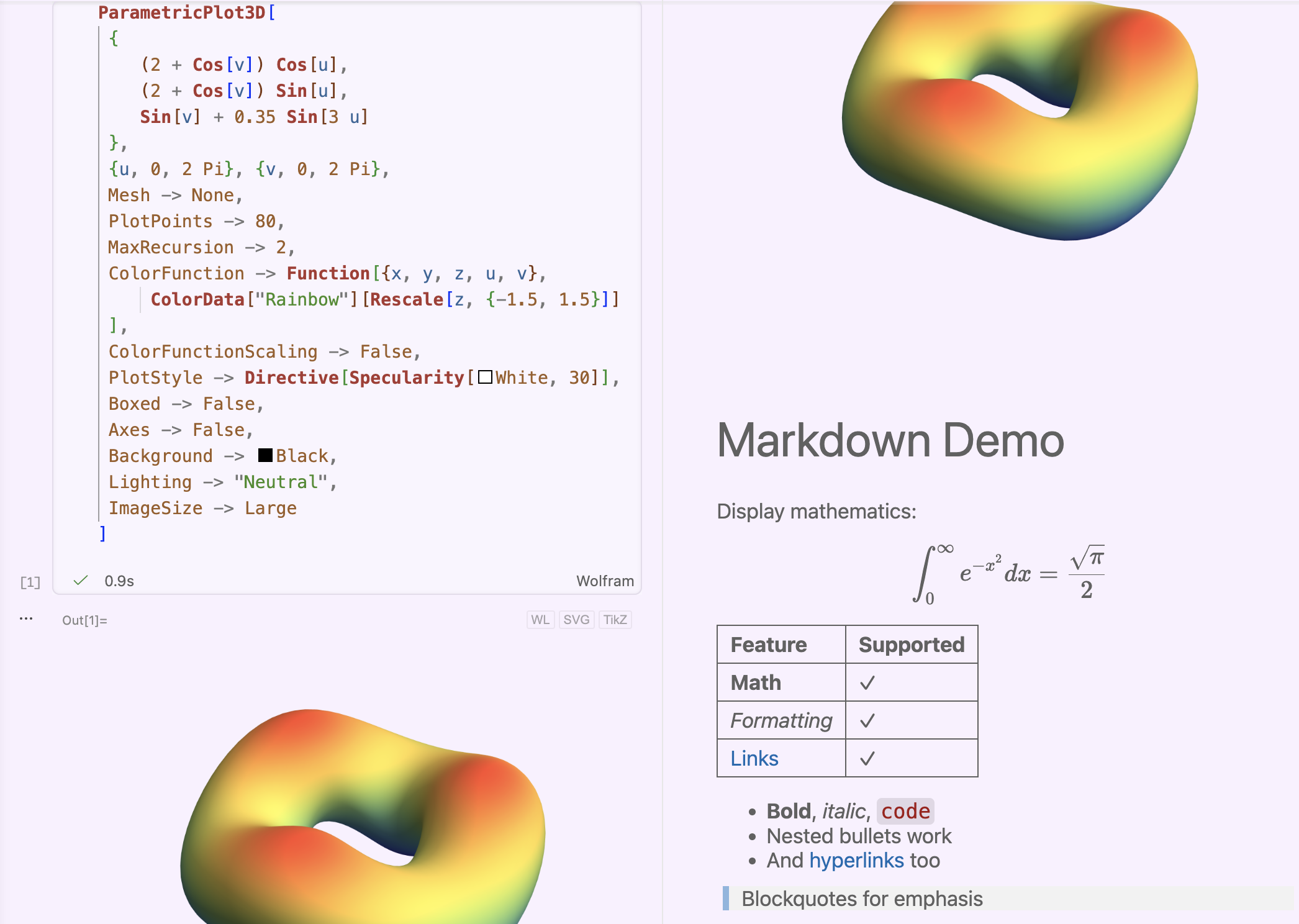
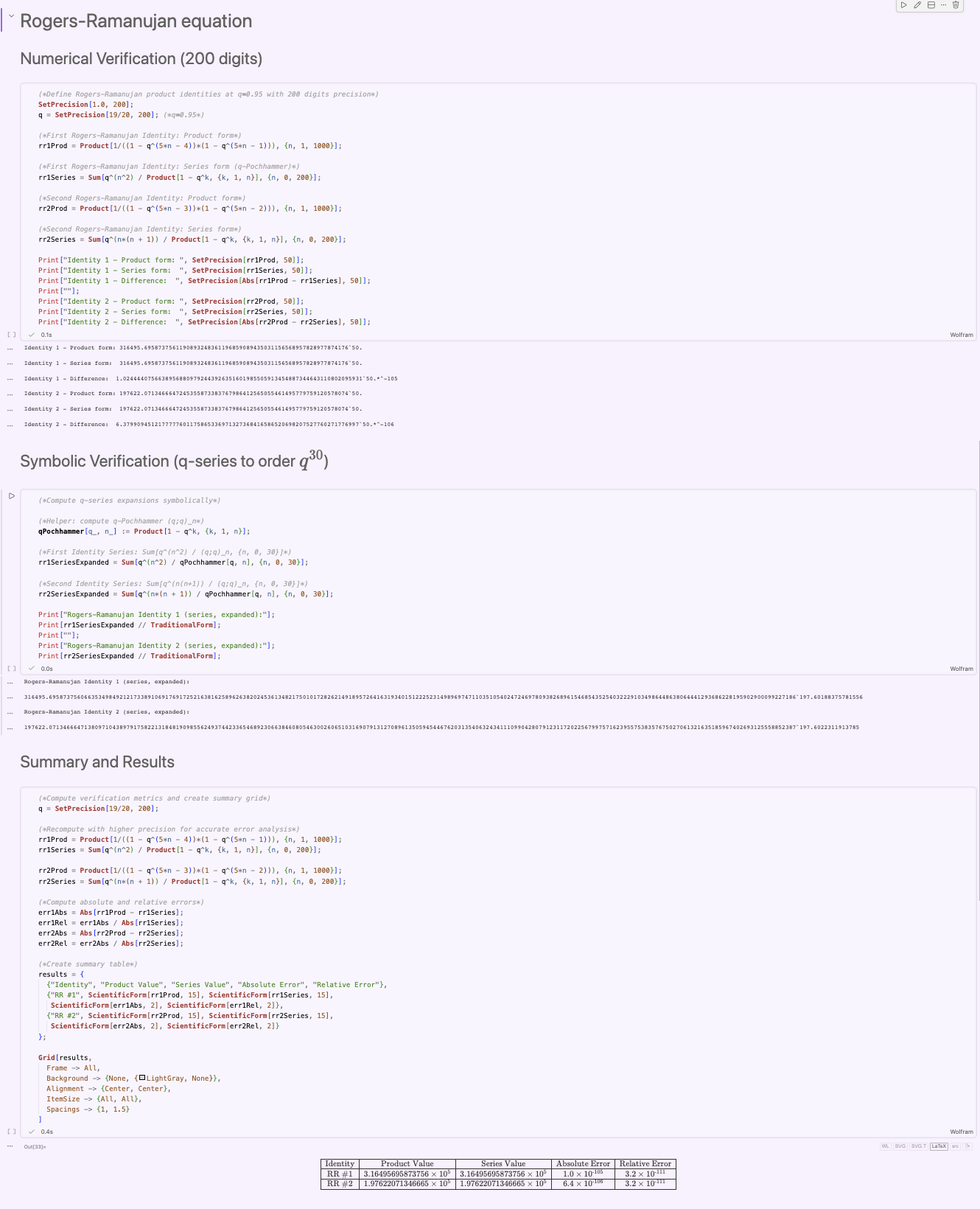
Wolfram Language notebooks in VS Code: a live kernel, typeset output, interactive graphics, your existing .nb files, and AI agents that can run cells.
WPaper
Wolfbook's LaTeX workspace: the compiled paper beside your source, click-to-source, comparisons, Git and Overleaf sync, and a review of every AI edit.
WPaper ↓ NEW · 30-DAY FREE TRIALWLaTeX
The LaTeX engine of the future: pages that change as you type, typing on the page, a TikZ editor and a sub-second PDF. Plugs into WPaper or runs on its own.
Meet WLaTeX →Wolfbook and WPaper will always be free. To support the project, you can buy WLaTeX.
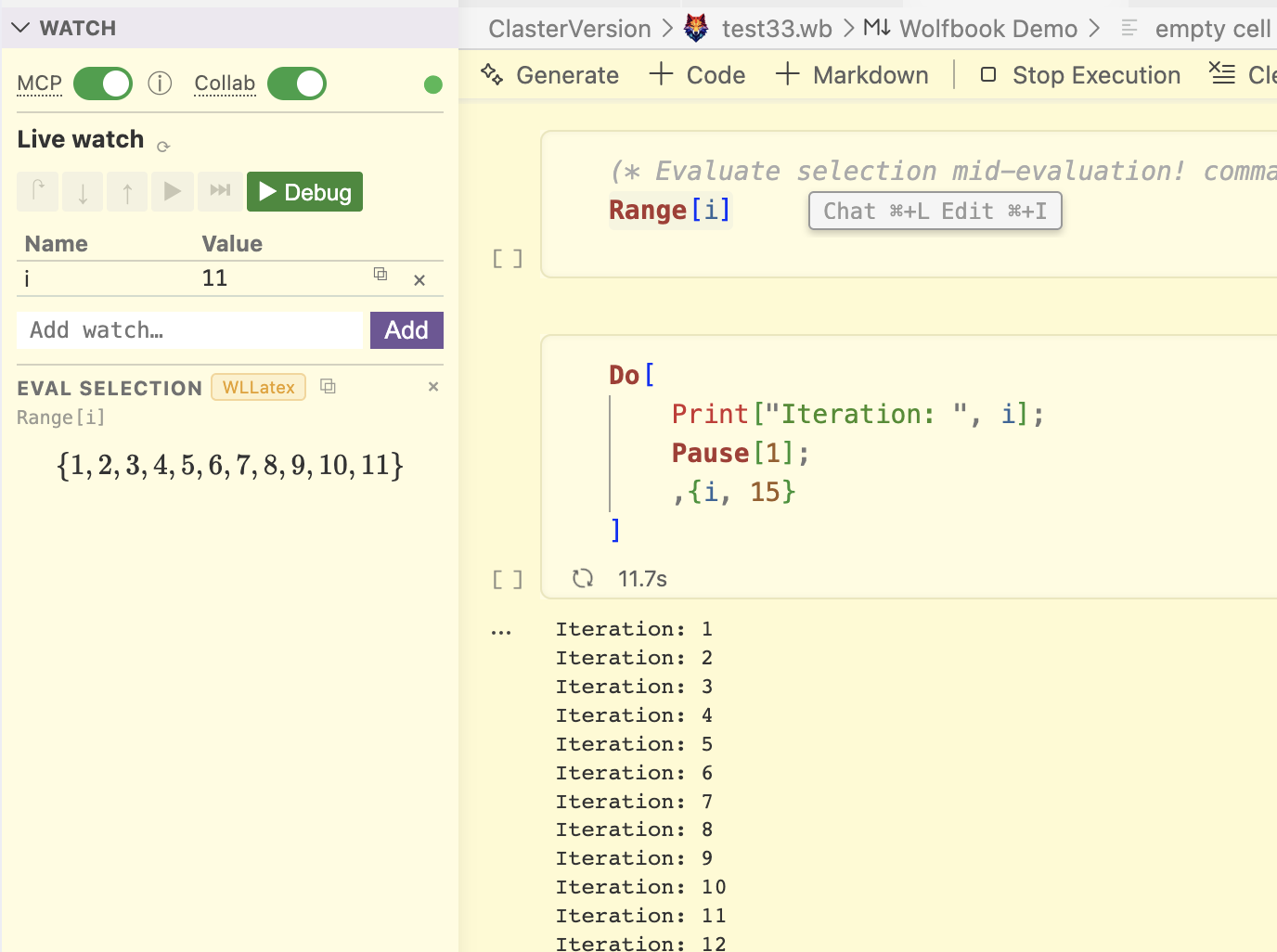
.nb files.nb file: cells, text, typeset output and graphics open in about 20 ms — no kernel needed, the original is never overwritten.Dynamic[] and Manipulate, a debugger and a watch panel..wb and .vsnb notebooks are diffable in Git and easy for AI tools to read..wslide decks with LaTeX math and live Wolfram Language blocks; select a block and press ⌘K to ask for changes.Manipulate stays interactive — move the controls and rotate the resulting 3D plot.nb file, then save an editable .wb copyGraphics3D result to rotate it in the notebookWrite your paper next to the paper
Open a .tex file and WPaper keeps the compiled pages beside your source, rebuilt from the unsaved buffer when you pause. Click the page to jump to the source; move through the source and the page follows.
- Outline, folding, reference and environment checks
- Printed previews when hovering
\ref/\eqref - Compare with disk, a Git revision or another paper
- Commit, three-way merge and Overleaf sync
- Review AI edits on the page, keep or undo each one
- Prepare for arXiv: one .zip, comments and drafts out, only the files you use